Sakinisha demo ya Gates of Olympus kwenye iPhone yako
Three taps in Safari · about 1 minute
Hatua kwa hatua
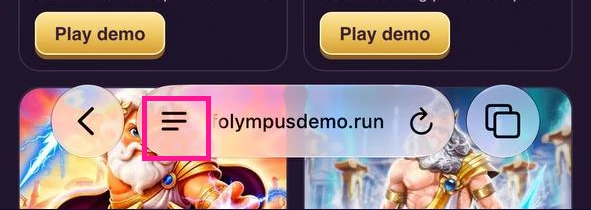
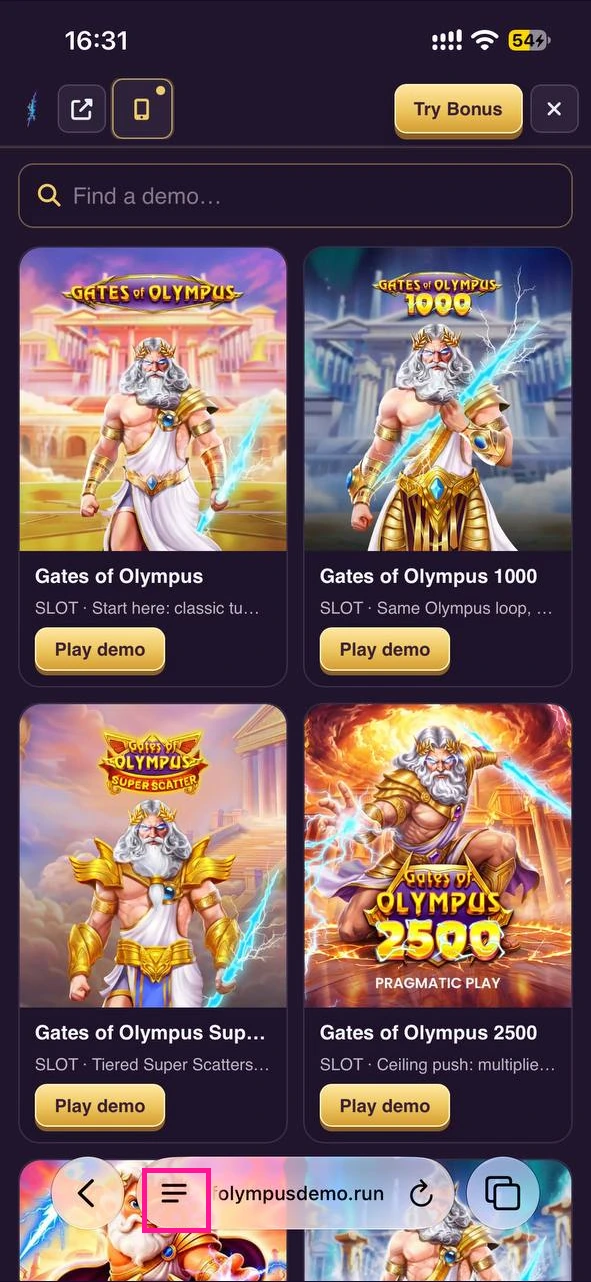
Step 1 — Menu button
Open the demo page (link at the end of this guide) and tap the menu button (three lines) at the bottom of the screen in Safari's toolbar.
iOS ya sasa
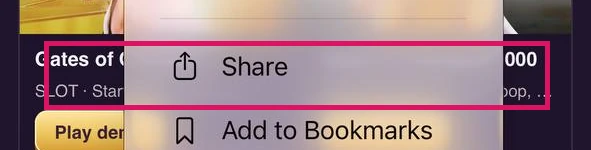
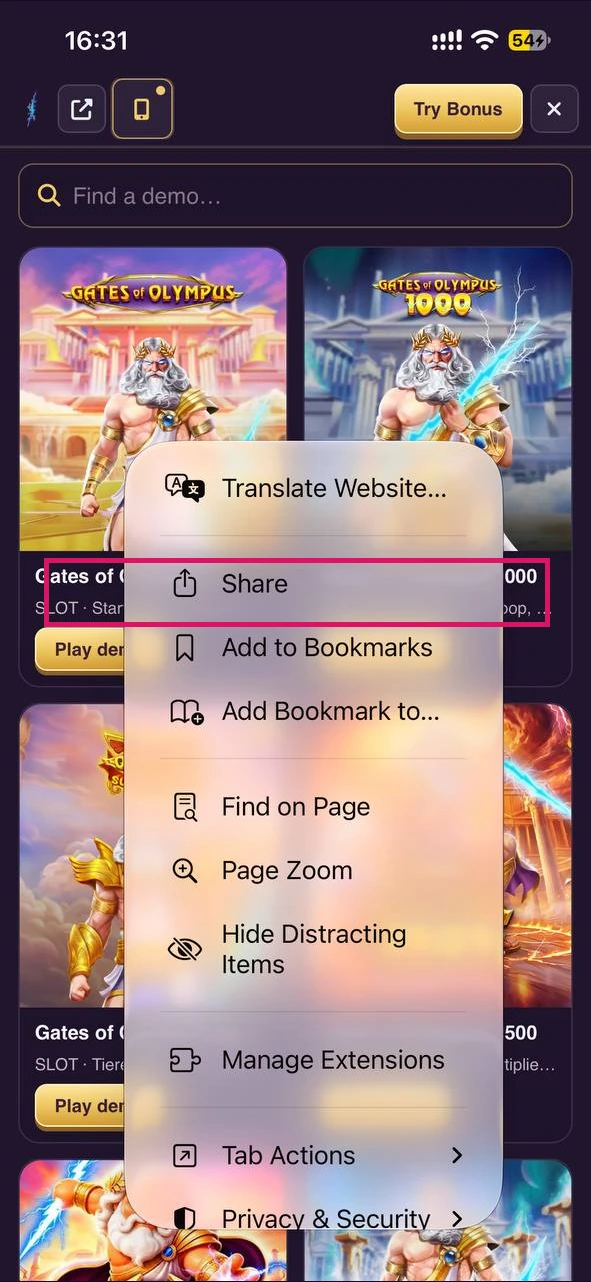
Step 2 — Share
Choose Share — in Safari this is usually the square with an up arrow.
Current iOS
Step 3 — Add to Home Screen
Scroll the list of actions and choose Add to Home Screen. If it is not listed, open Edit Actions at the bottom and turn it on. In the next sheet, if iOS offers Open as Web App, turn it on, then tap Add.
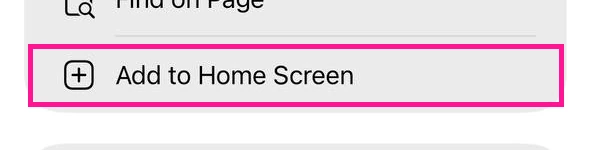
Current iOS
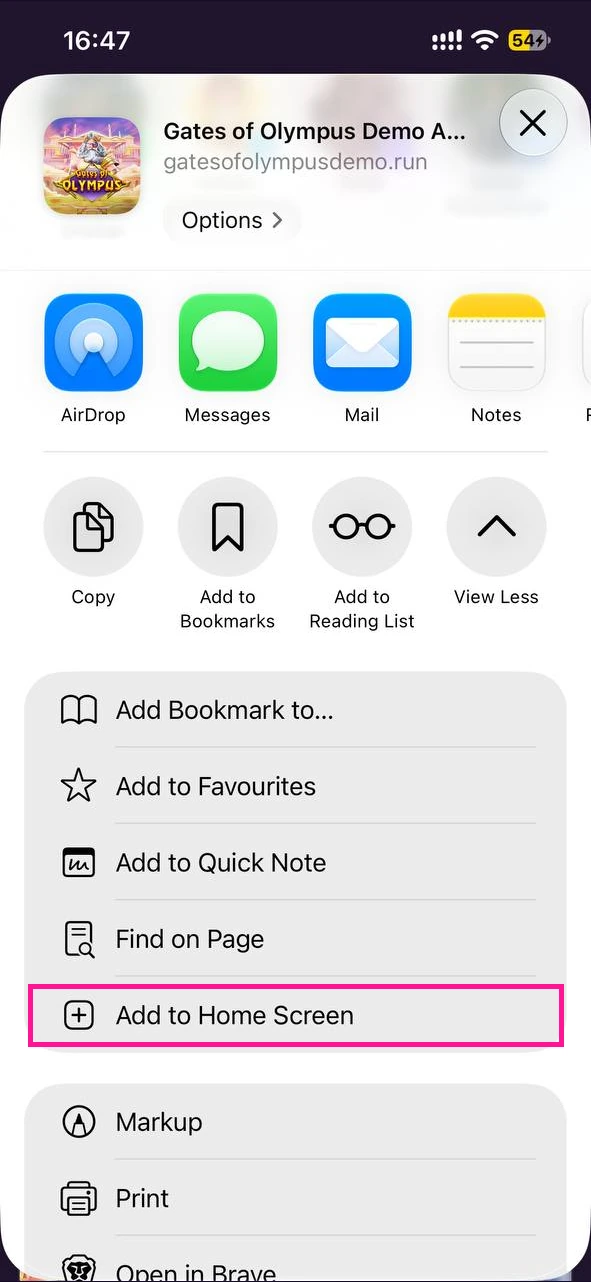
Complete the 3-step tour — then copy the Safari link below
You're ready — open the demo in Safari
Paste the link in Safari's address bar, then repeat the 3 steps above on the demo page.
Open Safari and paste in the address bar
Kwa nini usakinishe?
Baada ya karibu dakika moja, Gates of Olympus itakuwa kwenye Skrini yako ya Mwanzo: skrini nzima, mguso mmoja na matumizi yale yale ya kila siku unayoyafahamu kutoka kwenye programu uzipendazo. Aikoni hukaa mahali unapotarajia, hufunguka katika dirisha lake na huhisiwa kuwa ya kawaida tangu mara ya kwanza. Apple imeweka njia hii rasmi ya mkato ya iPhone ndani ya Safari; mamilioni ya watu hutumia hatua hizi tatu na matokeo yake ni sawa na programu iliyosakinishwa kawaida.