Tyá demo ya Gates of Olympus na iPhone na yo
Three taps in Safari · about 1 minute
Litambe na litambe
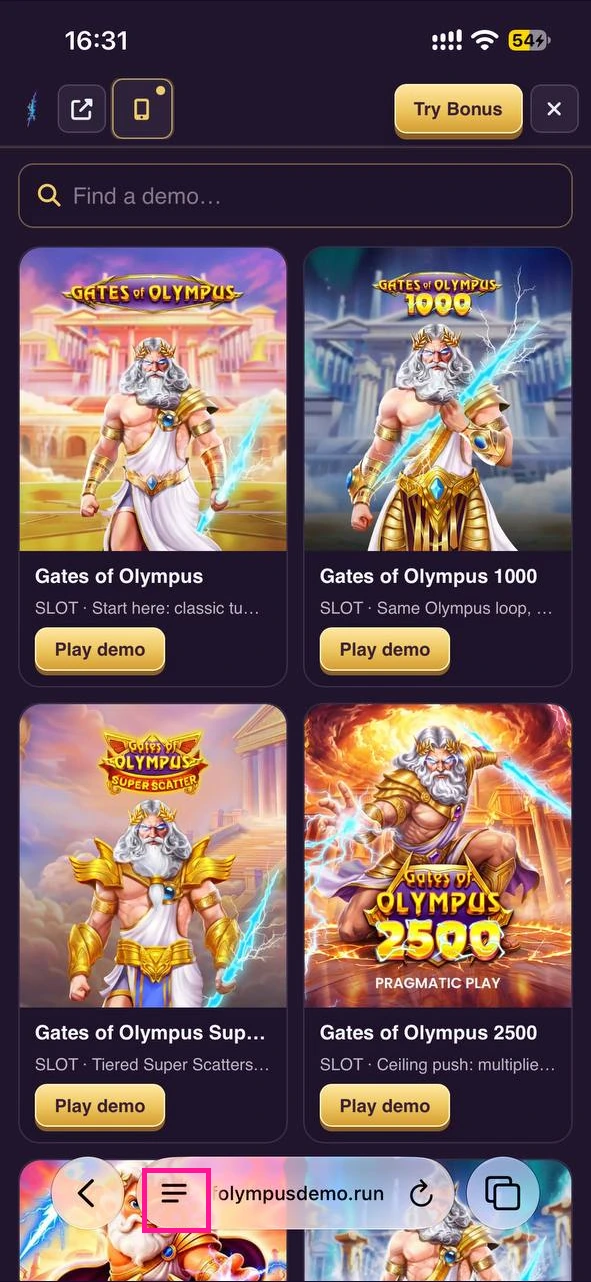
Step 1 — Menu button
Open the demo page (link at the end of this guide) and tap the menu button (three lines) at the bottom of the screen in Safari's toolbar.
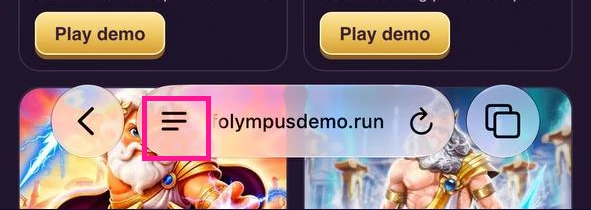
iOS ya sika
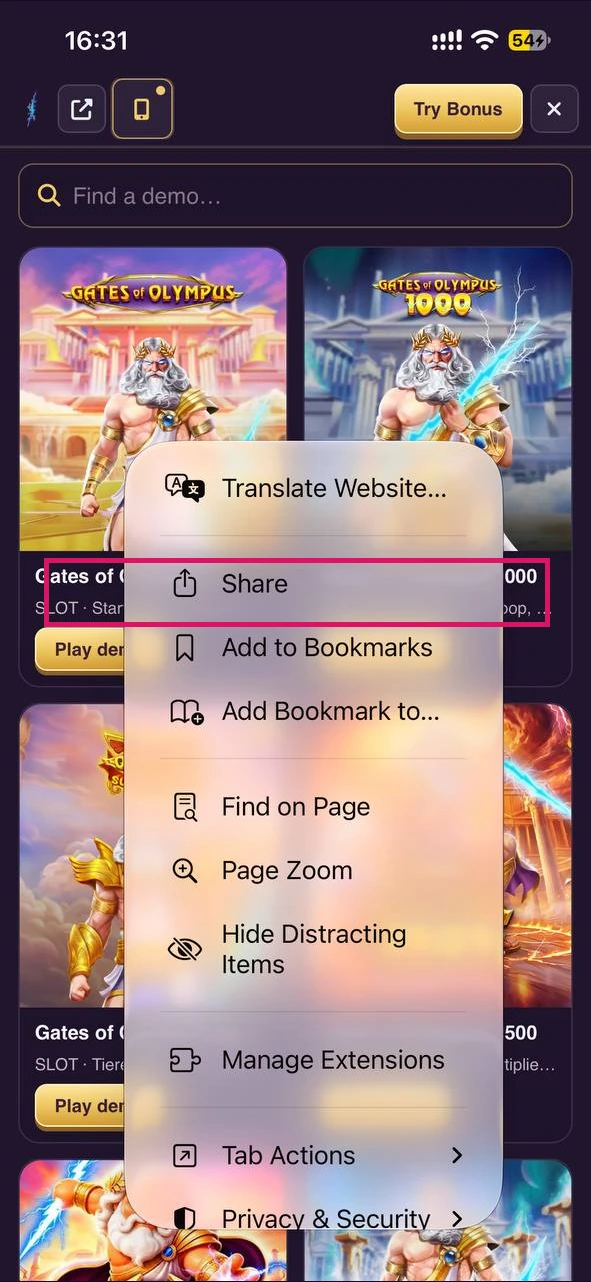
Step 2 — Share
Choose Share — in Safari this is usually the square with an up arrow.
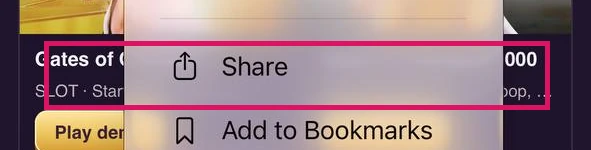
Current iOS
Step 3 — Add to Home Screen
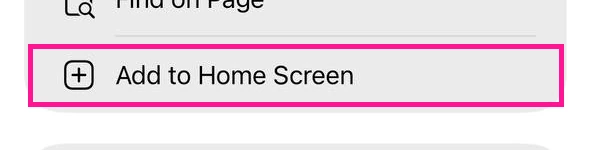
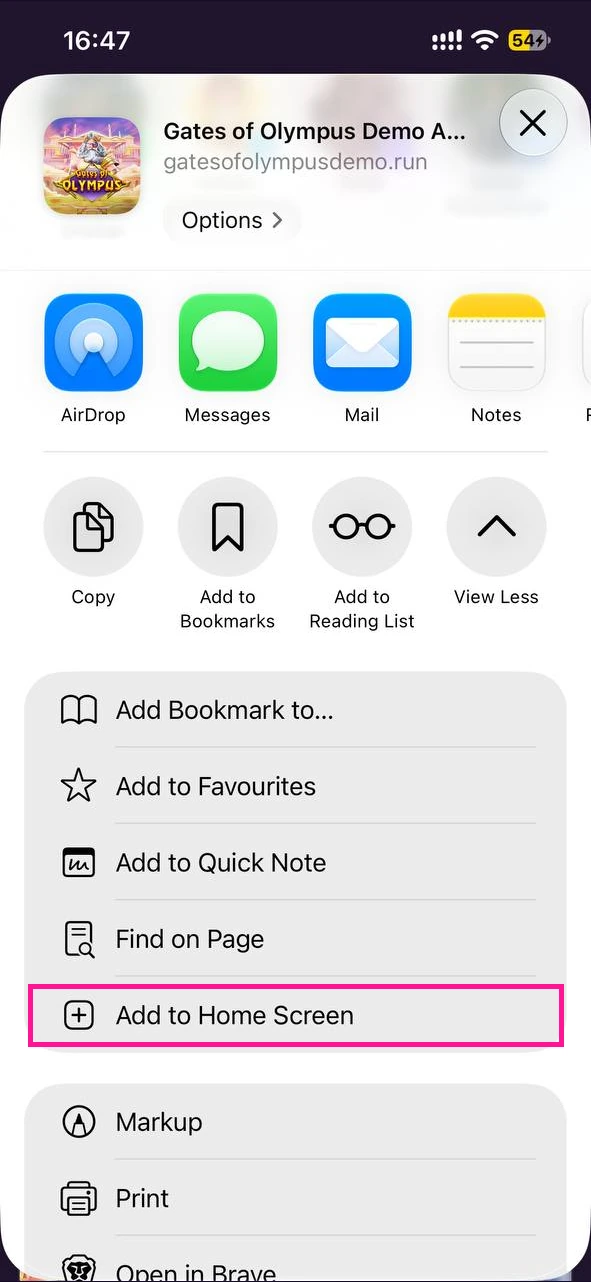
Scroll the list of actions and choose Add to Home Screen. If it is not listed, open Edit Actions at the bottom and turn it on. In the next sheet, if iOS offers Open as Web App, turn it on, then tap Add.
Current iOS
Complete the 3-step tour — then copy the Safari link below
You're ready — open the demo in Safari
Paste the link in Safari's address bar, then repeat the 3 steps above on the demo page.
Open Safari and paste in the address bar
Mpo na nini kotya yango?
Na pene na miniti moko, Gates of Olympus ekozala na écran d’accueil na yo: écran mobimba, kofina mbala moko mpe ndenge ya kosalela ya mokolo na mokolo oyo oyebi na ba appli oyo olingaka. Icône etikalaka na esika oyo ozali kozela, efungwamaka na fenêtre na yango moko mpe emonanaka lokola oyo oyebi banda mbala ya liboso. Apple etyá raccourci officiel oyo ya iPhone na Safari; bato ebele basalelaka bitambe misato yango mpe résultat ezalaka lokola appli oyo etyami na ndenge ya momeseno.